iPhone and iPad
Add to your home screen
- Open the Factbook in Safari.
- Choose Add to Home Screen from the Share menu.
- Confirm the addition. If you see Open as Web App, turn it on.
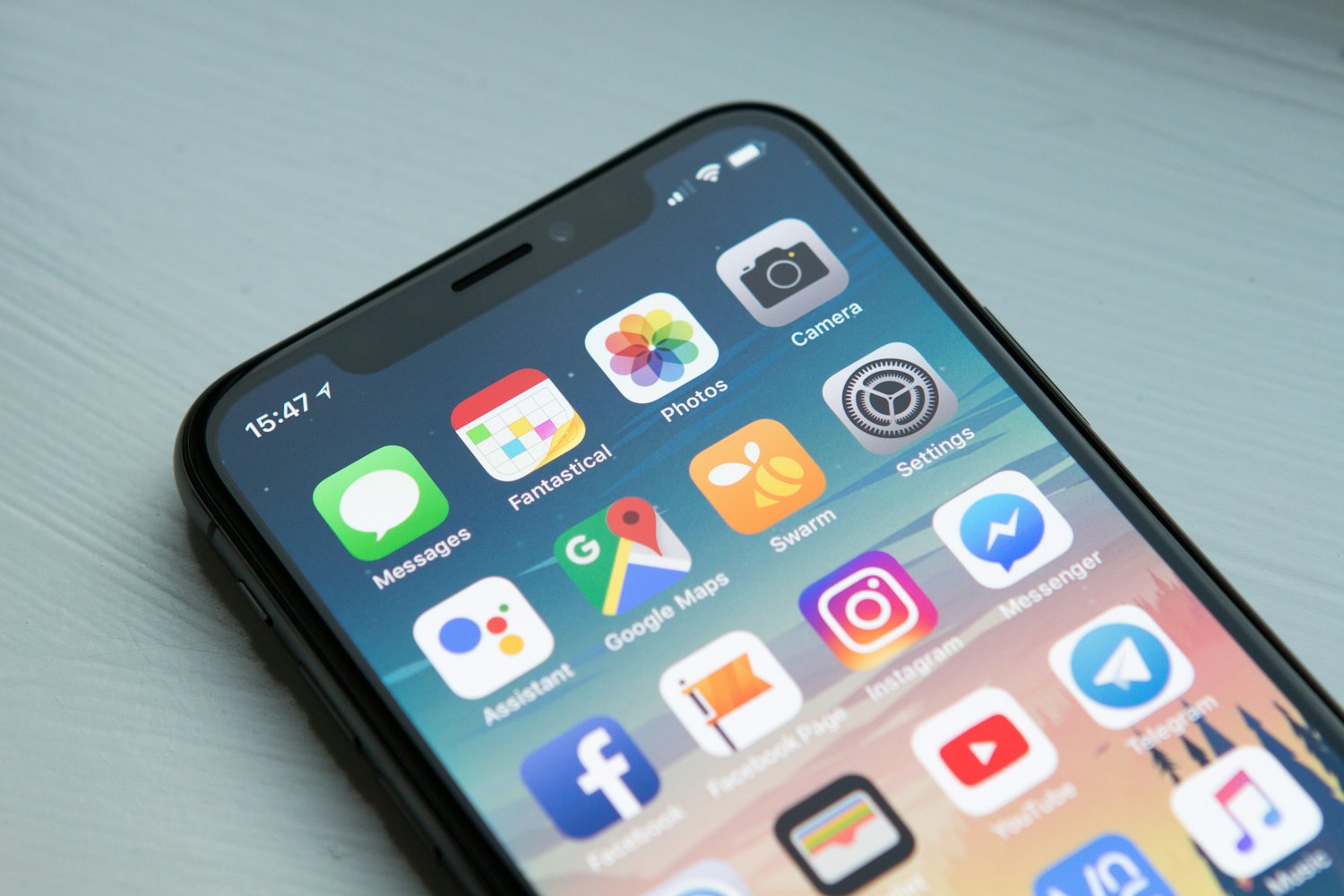
You’ll find the new icon on your device’s home screen.
Install the dedicated Android app or add the Factbook to your home screen from a supported browser.

For Android phones and tablets running Android 7.0 or newer. The download is 6.83 MB and does not require a Google Play account.
Test build: if version 1.0.0 is already installed, uninstall it first because the temporary test signature changed.
You’ll find the new icon on your device’s home screen.
Alternatively, choose Install app or Add to Home screen from your browser menu.
In supported versions of Safari on Mac, choose File → Add to Dock.
Open the Factbook from your home screen and get back to planning your next trip.
Choose an available language with the globe in the header, and switch between light and dark modes.
Pages saved by your browser may remain available without a signal. Open the guides you need while online before your trip.
Having trouble installing? Contact us or continue on the website.
